Shopper Journey
This page walks through the end-to-end experience a shopper has when using Ealyx Standalone from the moment they land on your page to receiving payment for their device.
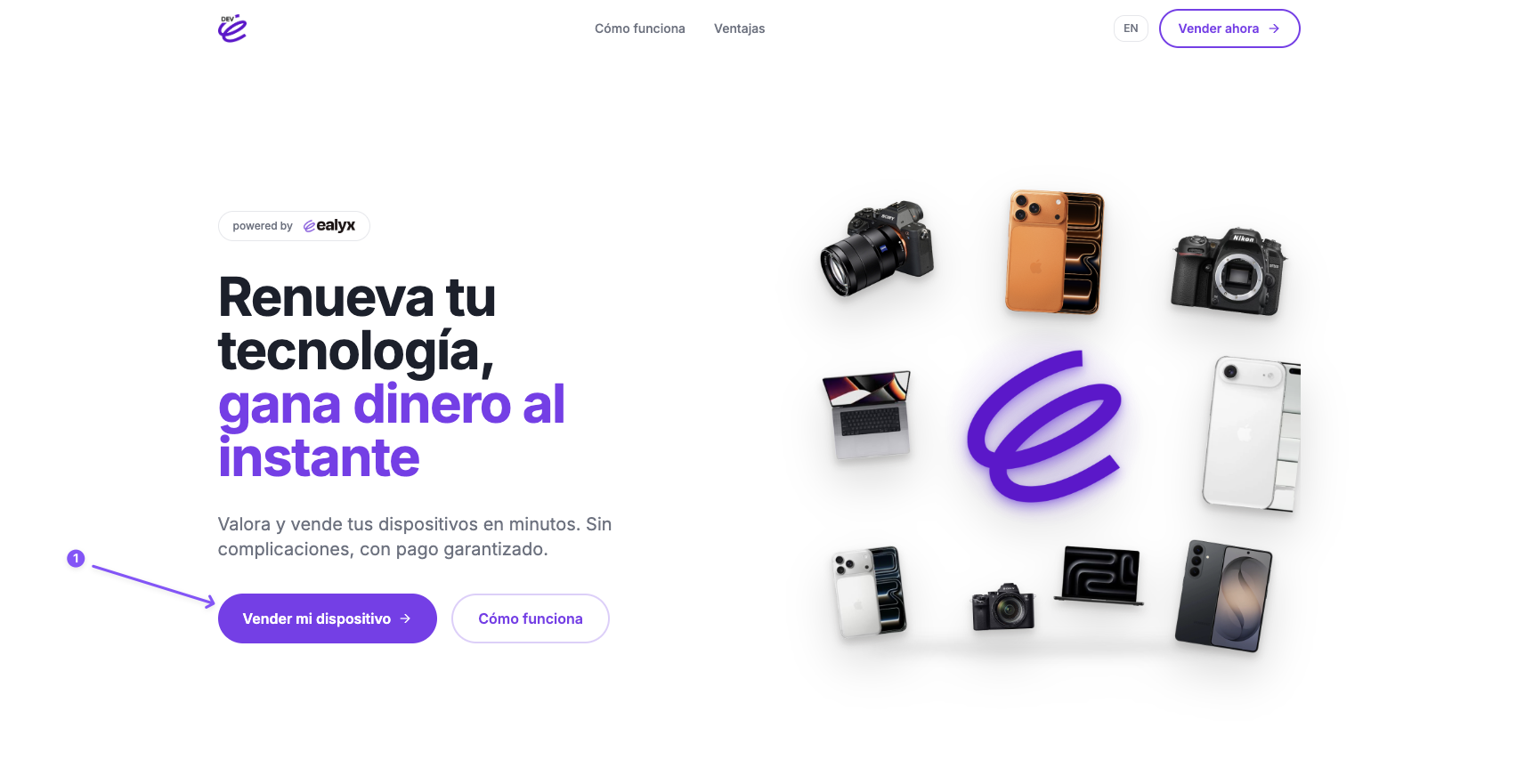
Step 1 — Click "Sell my device"
The shopper arrives at your Standalone landing page and clicks the Vender mi dispositivo button to start the trade-in flow.
Step 2 — Select device type, brand and model
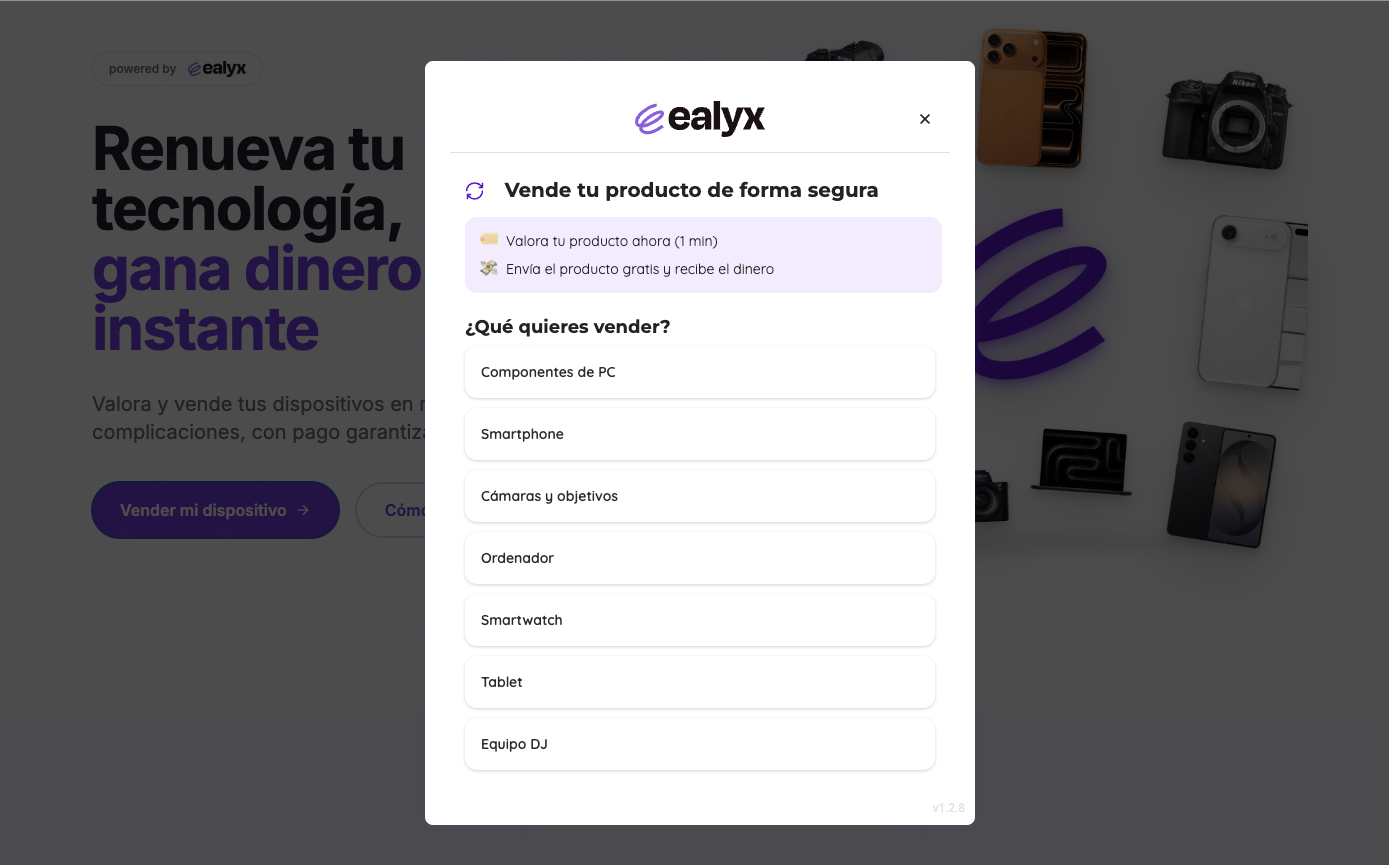
A modal opens. The shopper first picks the category of device they want to sell (Smartphone, Laptop, Camera, Tablet, Smartwatch, etc.).
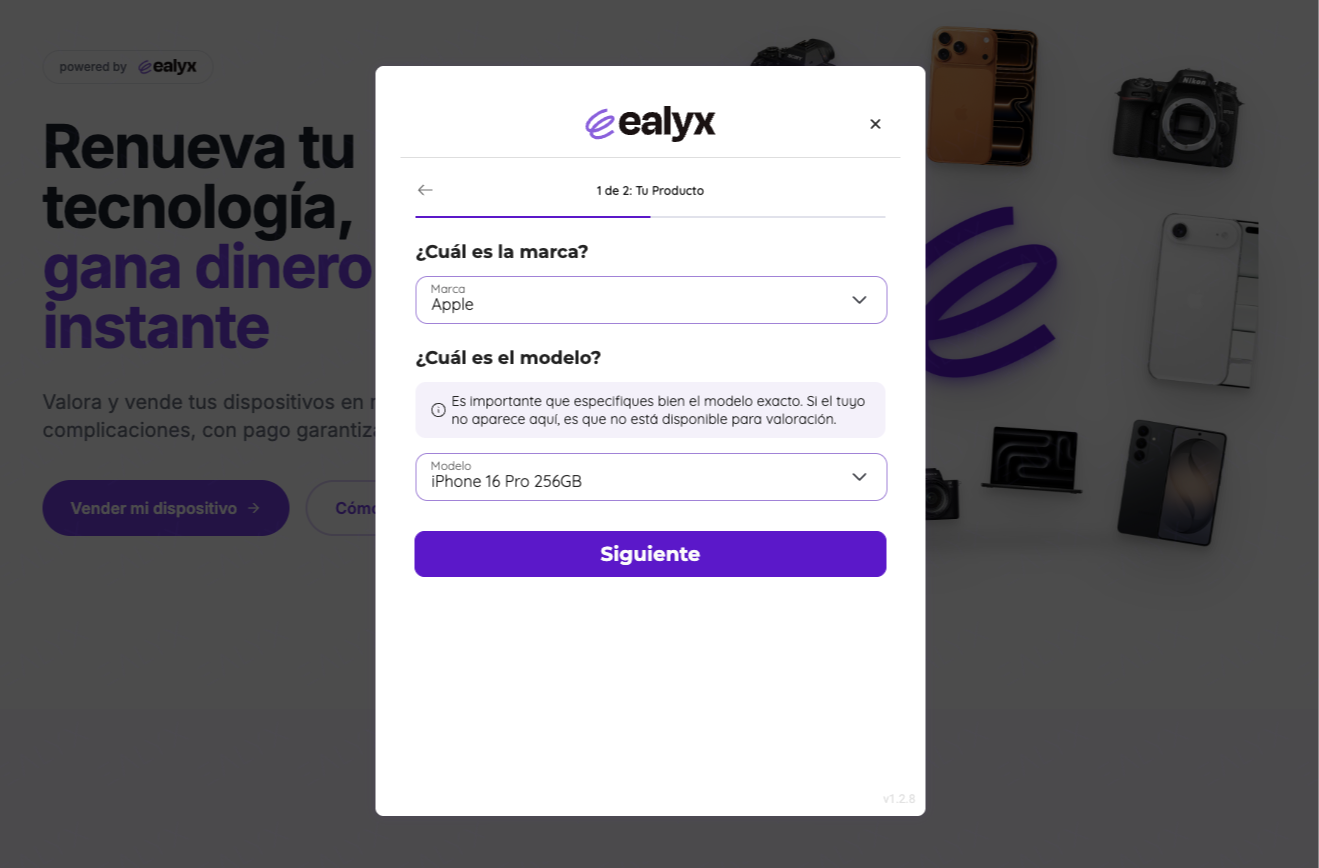
They then select the brand and exact model. Ealyx only shows models for which a valuation is available.
Step 3 — Receive instant valuation
Once the device is identified, Ealyx displays the amount the shopper will receive via bank transfer. The offer is instant and requires no account creation.
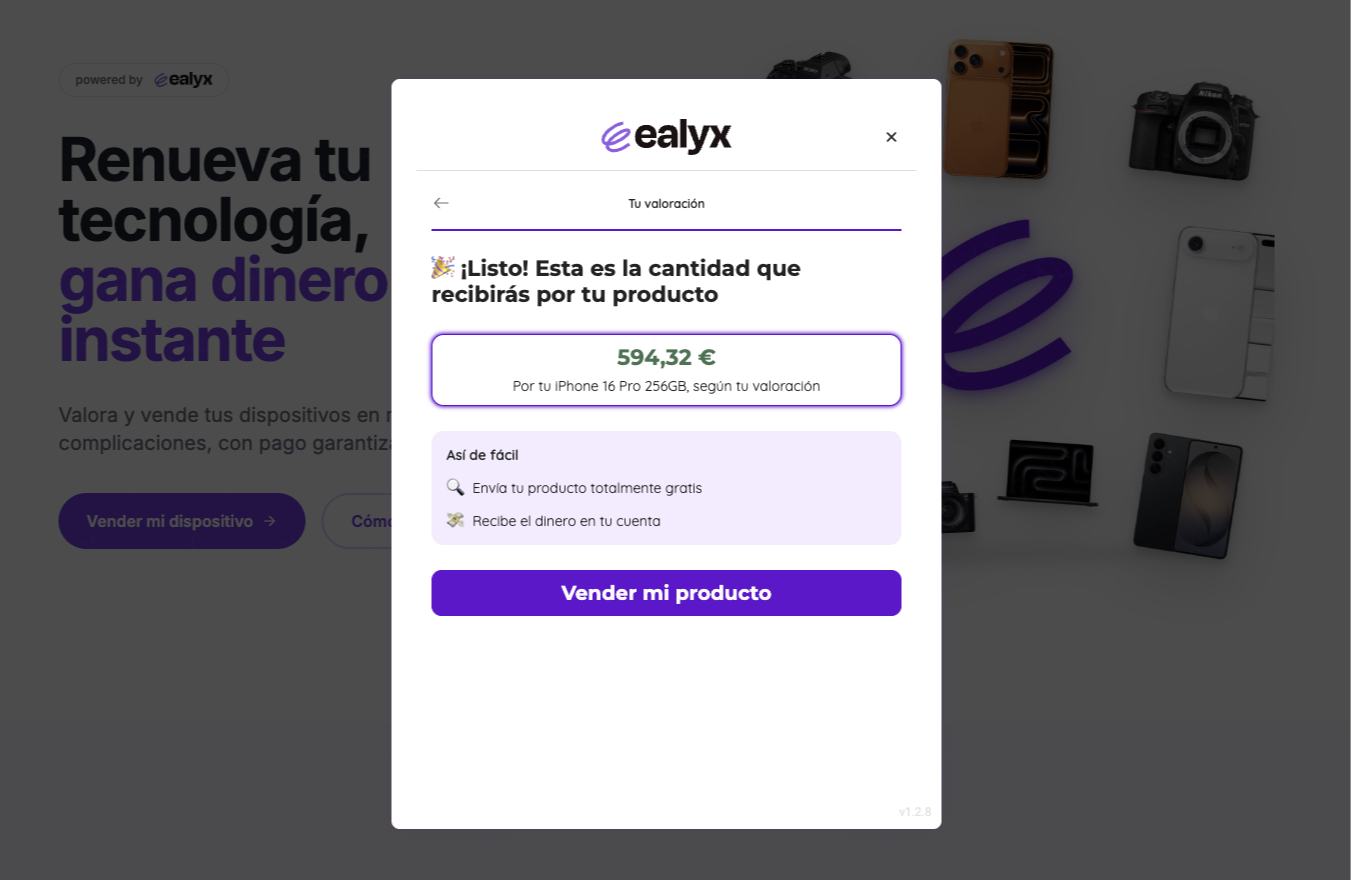
If the shopper is happy with the offer, they click Vender mi producto to proceed.
Step 4 — Enter personal and payment details
The shopper fills in their personal data (name, email, phone), tax information (DNI/NIE and IBAN for the bank transfer), and pickup address.
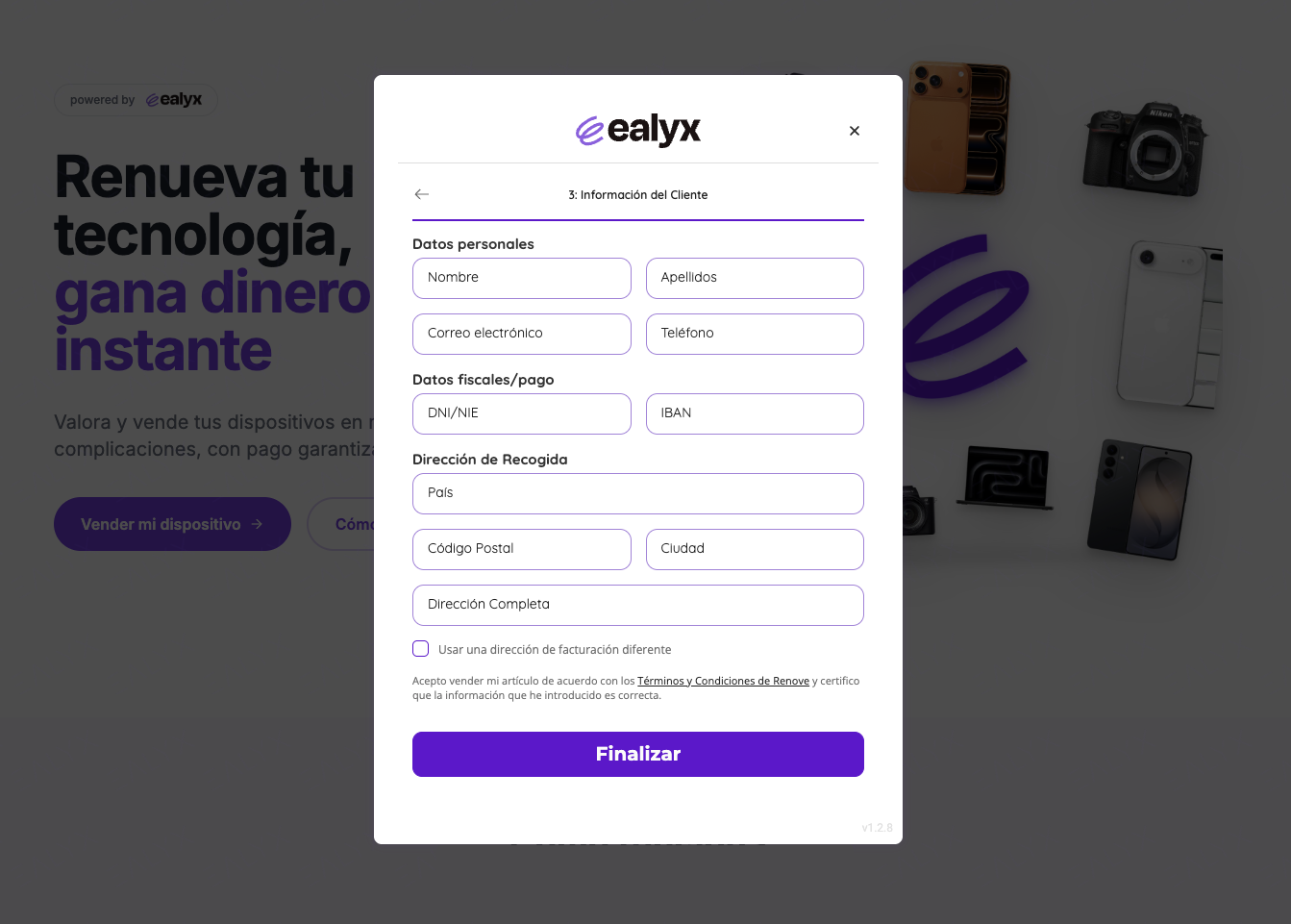
Once submitted, Ealyx coordinates the device pickup and handles the rest.
Step 5 — Ship and get paid
The shopper ships the device (courier pickup is arranged automatically). Once Ealyx receives and inspects it, the agreed amount is transferred directly to their bank account.
No follow-up needed from the merchant, Ealyx manages inspection, logistics, and payment end-to-end.
🔗 Try it live: buyback-app.ealyx.com/acme-shop